

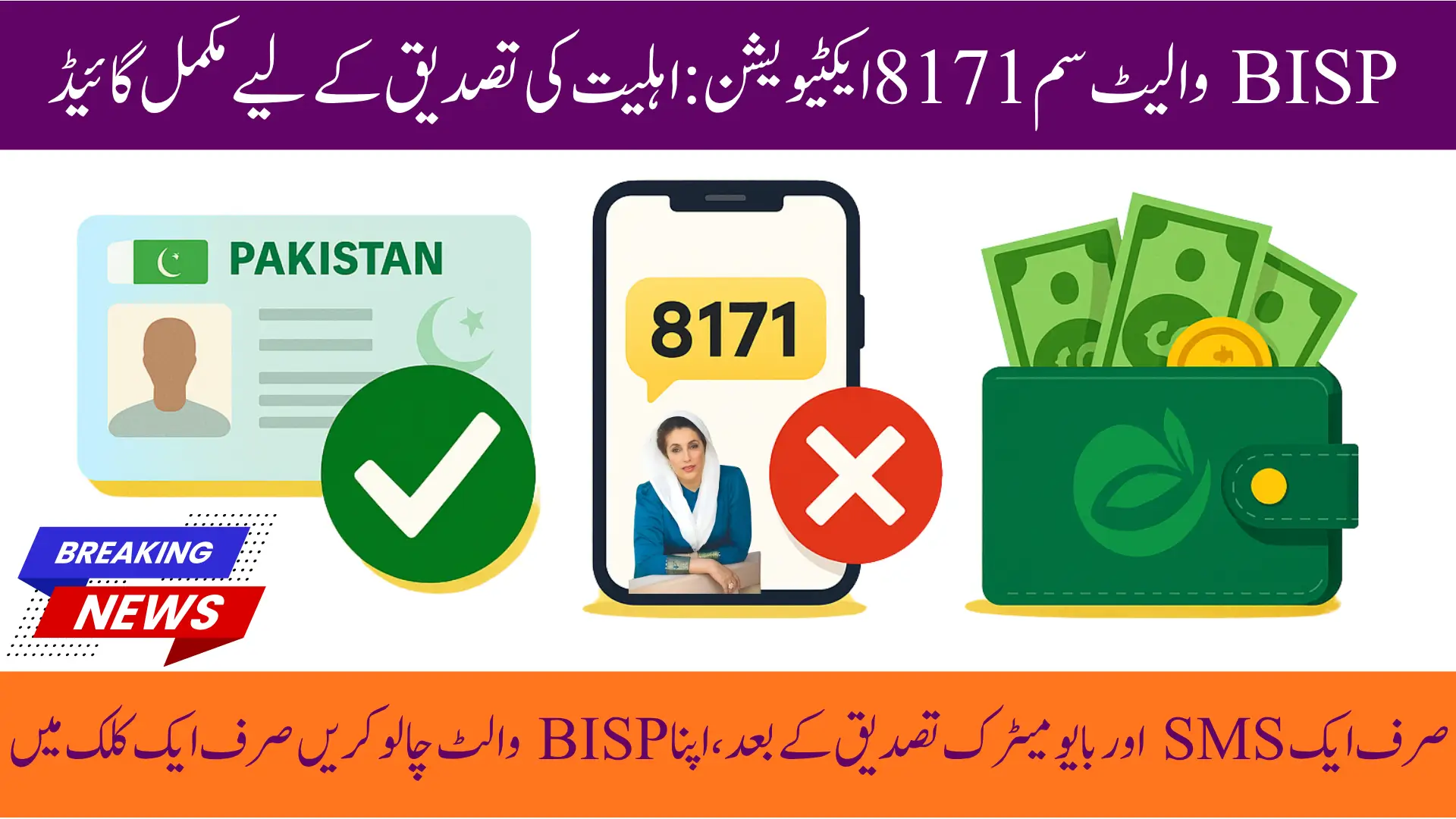
BISP Wallet SIM 8171 Activation
The Government of Pakistan has continuously worked to make financial assistance programs like the BISP more accessible to families in need. In 2025, the introduction of the BISP Wallet SIM 8171 has revolutionized the way beneficiaries receive their monthly installments. Previously, beneficiaries had to visit payment centers, face long queues, and deal with delays or unauthorized deductions. Now, payments can be directly transferred to a digital wallet linked with their CNIC and SIM card, ensuring a secure, fast, and transparent process.
This digital transformation is especially beneficial for women and families living in remote areas, as it brings financial services to their fingertips. With BISP Wallet SIM 8171, beneficiaries can not only receive their payments but also withdraw money, check balances, and make mobile transfers without visiting physical banks or payment centers. The system is designed to improve convenience, transparency, and accessibility for millions of families across Pakistan.

Eligibility Criteria for BISP Wallet Activation
Before activating the BISP Wallet SIM, beneficiaries must meet specific eligibility criteria. Meeting these requirements ensures smooth registration and prevents issues during wallet activation.
- Must be an active BISP Kafalat beneficiary.
- CNIC must be valid and updated in NADRA records.
- Mobile SIM should be registered under your own CNIC.
- Must have received at least one BISP payment in the last year.
- Completion of a dynamic survey or NSER verification is mandatory.
- Only women are eligible for BISP Kafalat payments.
- Beneficiaries must not have any pending issues with previous BISP payments.
- Must reside in Pakistan permanently.
- If the SIM is not registered under your name, ownership must be updated at the mobile franchise.
- The BISP account should not be blocked or inactive.
Eligibility ensures only verified beneficiaries can access the wallet safely and securely.

How to Register Your SIM for BISP Wallet?
Registering your SIM for the BISP Wallet is simple and can be done from your home using the 8171 SMS service.
- Send your 13-digit CNIC number without dashes to 8171 from your registered SIM.
- Receive a confirmation SMS from BISP stating your eligibility for Wallet SIM activation.
- Visit the nearest partner service point, such as JazzCash, Easypaisa, or UBL Digital point.
- Tell the representative you want to activate the BISP Wallet SIM.
- Provide your CNIC and registered SIM to the agent.
- Ask for guidance on wallet features like balance check, transfers, and withdrawal limits.
- Ensure that your mobile network is active for SMS and USSD alerts.
- Keep the confirmation SMS safe until activation is completed.
Following these steps ensures your SIM is successfully linked to your BISP wallet for instant payments.
Sending SMS to 8171 for Wallet Activation
The 8171 SMS service is the easiest way to initiate BISP Wallet activation. This system allows beneficiaries to register without visiting a BISP office, saving both time and effort.
- Open your mobile SMS app.
- Type your 13-digit CNIC number without dashes.
- Send the SMS to 8171 from your registered SIM.
- Wait for a confirmation SMS from BISP regarding your eligibility for wallet activation.
- Keep the confirmation message for reference during wallet activation at the franchise.
- Ensure your SIM is active and connected to any network for successful SMS delivery.
- Avoid using someone else’s SIM to prevent verification issues.
Sending SMS to 8171 is the first step to secure your BISP payments in a digital wallet.
You Can Also Read: Sindh Govt Wheat Relief Package 2025 – Complete Guide, Eligibility, Benefits & Distribution
Verifying Your BISP Wallet Account Quickly
After sending the SMS, beneficiaries must verify their identity to complete wallet activation. Biometric verification ensures that payments go to the right person.
- Visit the nearest JazzCash, Easypaisa, or UBL franchise.
- Provide your CNIC and registered SIM for verification.
- Complete biometric verification using your thumbprint.
- Ensure your fingerprints are updated in NADRA records.
- Wait for the agent to confirm that your BISP Digital Wallet is activated.
- Receive an SMS confirming wallet activation and future payment transfers.
- Ask the agent to explain withdrawal limits and wallet features.
Biometric verification guarantees that your payments are safe and cannot be accessed by anyone else.
You Can Also Read: BISP 8171 ATM Guide 2025 via Bank Alfalah and Easypaisa – Check Balance & Withdraw Easily
Checking Your BISP Wallet Balance After Activation
Once your wallet is activated, checking your balance is straightforward. This keeps beneficiaries updated about their payments and allows better financial management.
- Dial the USSD code provided by your wallet provider to check the balance.
- Receive instant SMS alerts whenever a new installment is credited.
- Open the mobile wallet app like JazzCash, Easypaisa, or UBL Wallet and log in with your CNIC.
- Visit your partner franchise to inquire about your wallet balance in person if needed.
- Track each transaction to ensure payment amounts are correct.
- Make note of payment dates to manage your finances effectively.
Checking your wallet regularly helps you manage your funds and ensures transparency in payments.
You Can Also Read: BISP November 2025 Payments: District-wise Disbursement & Collection Locations
Tips for Smooth and Fast BISP Wallet Registration
To avoid common issues during registration, beneficiaries should follow these helpful tips.
- Ensure your SIM is registered under your CNIC before starting registration.
- Keep your original CNIC ready for verification at the franchise.
- Complete any pending NSER verification before applying.
- Visit authorized franchise points only for activation.
- Ensure your mobile phone has a network signal and can receive SMS.
- Keep track of confirmation messages from 8171.
- Ask the franchise agent to demonstrate wallet features like balance check and transfer.
- Avoid sharing wallet PIN or verification information with anyone.
Following these tips ensures a smooth and secure registration process.
You Can Also Read: CM Punjab Bike Scheme Apply Online 2025 – Balloting, Distribution & Application Timeline
Troubleshooting SIM 8171 Issues During Activation
Even with a smooth system, some beneficiaries may face problems. Understanding common issues and solutions can save time and effort.
- SIM Not on Your CNIC: Update ownership at the nearest mobile franchise.
- Biometric Verification Failure: Visit NADRA to update fingerprints.
- Payment Not Showing in Wallet: Resend your CNIC to 8171 for confirmation.
- Wrong SIM Registered: Update your details at the nearest BISP Tehsil Office.
- SMS Not Received: Wait a few minutes or try again from your registered SIM.
- Payment Delay: Check if your CNIC is under verification or incomplete NSER survey.
- Mobile Network Issue: Switch to another network to receive SMS confirmation.
- Incorrect Wallet Activation: Contact custothe mer support of your wallet provider.
Resolving these issues quickly ensures uninterrupted access to your BISP payments.
You Can Also Read: Kisan Card Interest-Free Loan to Avoid Card Block: Last Date Extended – Check New Deadline
Frequently Asked Questions About BISP Wallet SIM 8171
Is Wallet SIM registration free?
Yes, the registration process is completely free for all eligible beneficiaries.
Can I use any mobile network SIM?
Yes, but it must be registered under your CNIC for verification.
Will my old payment method stop after wallet activation?
Yes, once activated, all BISP payments will be transferr directly to your digital wallet.
Is biometric verification required every time I withdraw money?
Biometric verification is only require for cash withdrawals. Balance checks do not require fingerprints.
Can someone else receive my payment?
No, BISP payments are link to your CNIC and biometric verification, so only the register beneficiary can access funds.
You Can Also Read: 8171 Tracking Portal 2025 Complete Guide to Checking Your BISP Status Online
Conclusion
The BISP Wallet SIM 8171 system is a transformative step in Pakistan’s social welfare initiatives. By moving payments to a secure, digital platform, the government ensures transparency, convenience, and safety for millions of women and families. With easy registration, instant payment alerts, and flexible withdrawal options, beneficiaries no longer need to face long queues or rely on intermediaries.





This system not only promotes financial inclusion but also strengthens trust between the government and citizens. With the BISP Wallet SIM 8171, Pakistan has taken a significant leap toward modern, digital welfare services that empower women and support families in need. The simplicity and security of this system make it a model for future social assistance programs nationwide.
You Can Also Read: BISP Payment November Districts: Complete List of Eligible Areas Revealed